
IImagine needing to pay a bill late at night, or thinking you have enough funds to transfer, only to discover your balance is insufficient. That uneasy feeling is avoidable when you know exactly how to check your BPI balance in real time. For millions of Filipinos, the Bank of the Philippine Islands (BPI) remains one of the most trusted institutions for savings, checking, and other financial services.
One essential aspect of personal finance management is keeping track of your account balance, ensuring that your funds are properly monitored and available whenever you need them.
BPI provides several convenient methods for customers to check their account balance, from traditional over-the-counter transactions to modern digital banking platforms. Whether you prefer using the BPI Mobile App, online banking, ATMs, or SMS banking, BPI has designed multiple secure options to cater to different user preferences. These methods allow you to verify your balance anytime and anywhere, giving you full control over your finances.
key Features of Online BPI

Enable secure mobile app authentication for logging in and approving transactions.

Book a convenient date and time to visit your preferred bank branch for transactions or assistance.

Set up automatic or future-dated payments for your utility, credit card, or other bills.

Receive instant notifications whenever cash is withdrawn from your account.

Convert your USD funds to PHP instantly at current exchange rates.

Access and download your recent account statements anytime online.
Methods to Check BPI Balance
| Method | How It Works | Pros | Cons / Notes |
|---|---|---|---|
| BPI Online / Web | Log in to BPI’s web portal and view account details | Easy access via browser, full account summary | Needs internet & correct credentials |
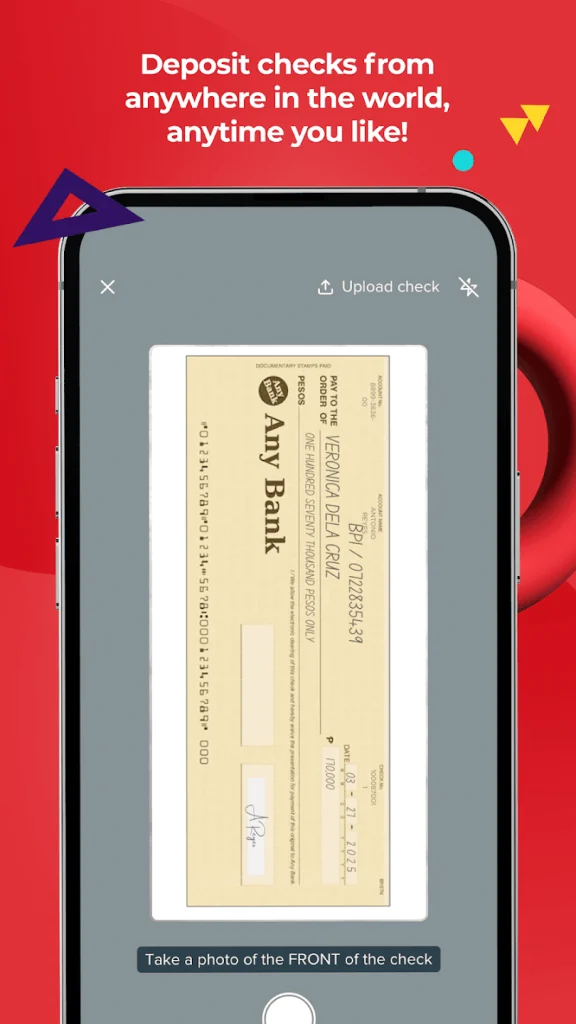
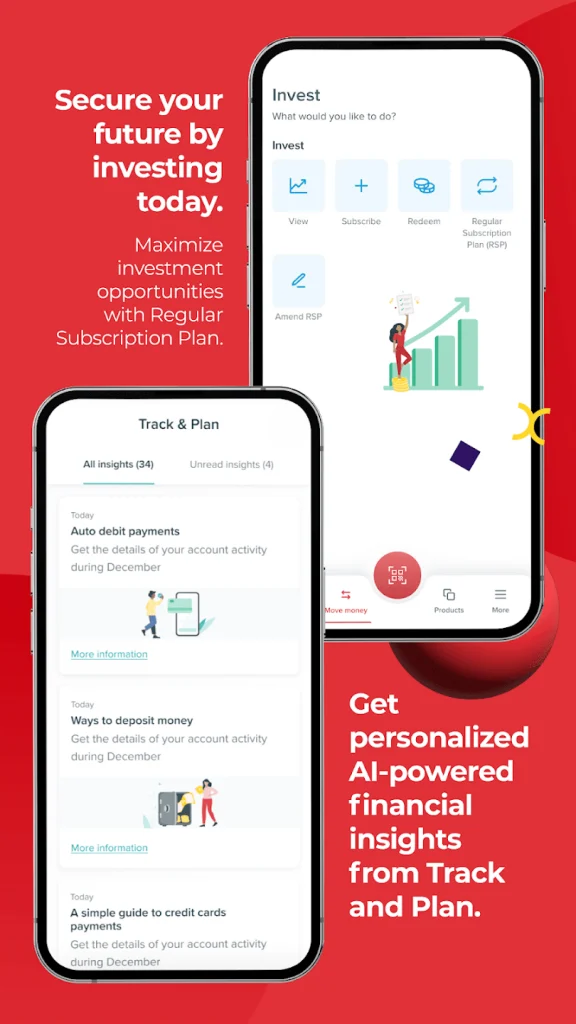
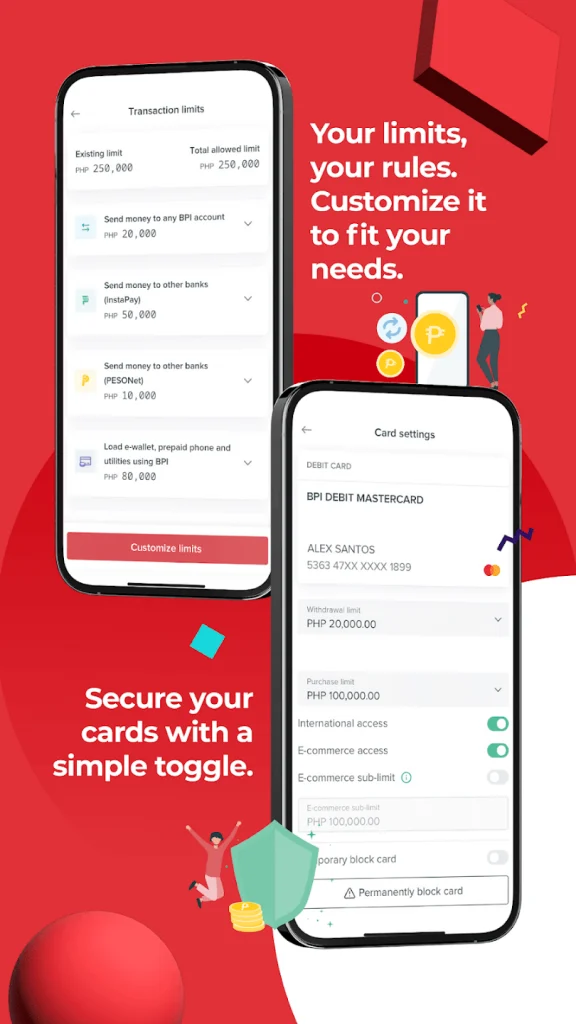
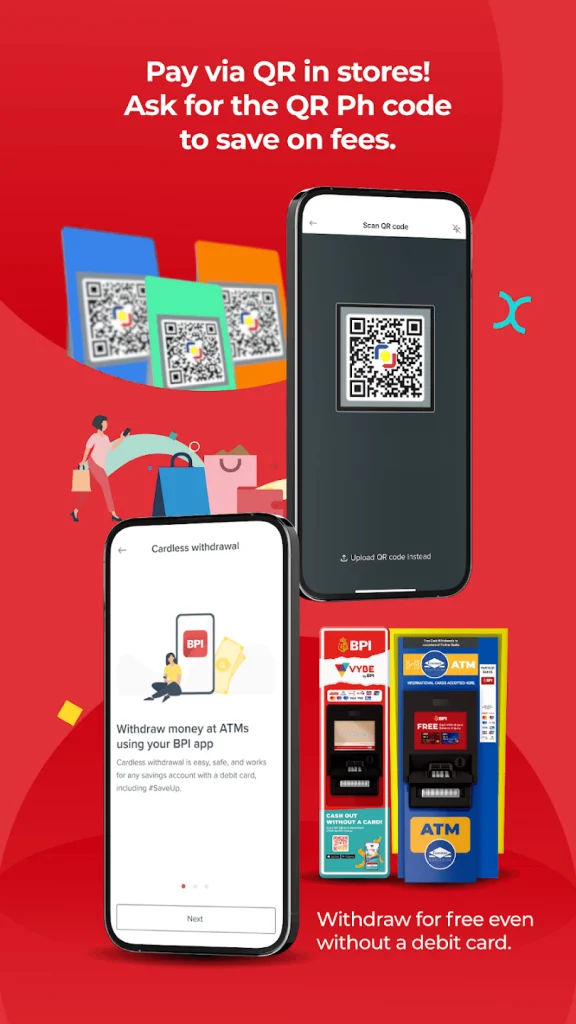
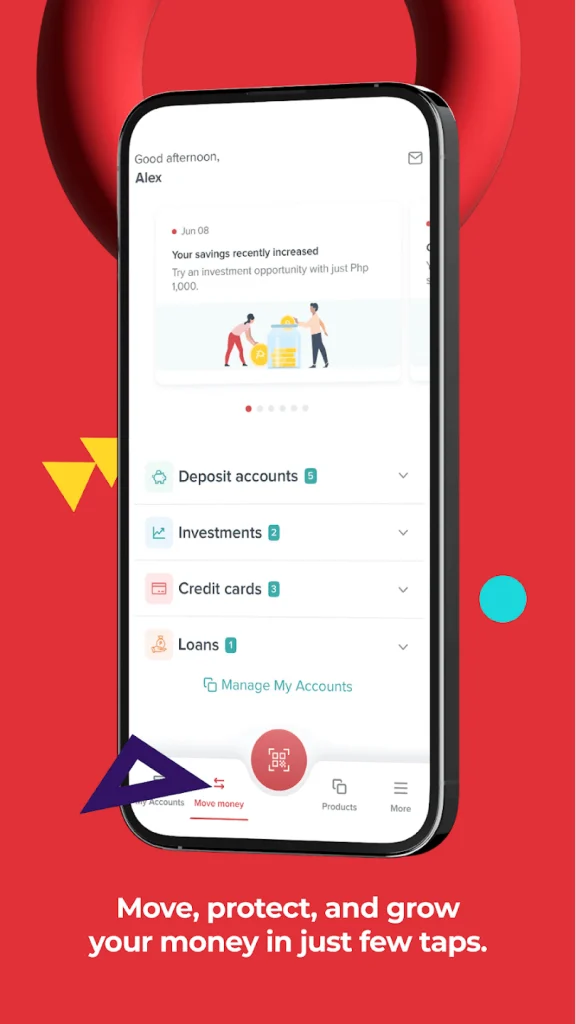
| BPI Mobile App | Use the BPI app ( iOS / Android / appgallery ) to view balance and transactions | Most convenient for on-the-go use | Must register and activate device; mobile key security |
| ATM / Express Teller | Use BPI or partner ATM to “balance inquiry” | Works even without data; physical presence required | May charge fees; offline limits |
| SMS / Text Inquiry | (If available) Send a keyword to BPI’s SMS service | Useful when internet is unavailable | May not always be supported, depends on service registration |
| Cash Accept Machines (CAMs) | At BPI’s CAMs, you can also check account status | Useful in physical branches | Limited geographic availability |
| BPI Customer Service | Call or visit branch and request inquiry | Helpful for clarification or error handling | Slower, may require verification |
Available Balance vs Ledger Balance
When you see your “balance,” there are often two figures shown:
- Ledger Balance (or “Actual Balance”): The total amount in your account based on accounting records before any holds or pending transactions are applied.
- Available Balance: The funds you can actually use immediately — after holds, pending debits, or check deposits are taken into account.
Practices & Security Tips for Checking BPI Balance
To ensure safety and convenience, follow these tips:
- Keep login credentials secret — never share username, password, or OTPs.
- Enable biometric or PIN protection on your mobile device to access the app.
- Use Mobile Key or device registration (offered by BPI) to secure web logins.
- Log out after each session, especially on shared or public devices.
- Update your registered mobile number and email to receive alerts and OTPs correctly.
- Monitor transaction history regularly to spot unauthorized charges.
- Avoid public WiFi when checking balance; prefer a secured network.
- Keep your app updated—banks push security fixes frequently.
- Report immediately if you detect any discrepancies, unusual holds, or failed transactions.
Common Issues & How to Resolve Them
| Problem | Potential Cause | Solution |
|---|---|---|
| Cannot log in to BPI Online | Wrong credentials / OTP not received | Use “Forgot Password,” contact BPI support, ensure mobile number is current. |
| Balance not updated | Pending holds or check deposit not cleared | Wait for clearing, verify “available balance” vs “ledger balance.” |
| Unable to register mobile device | Device conflict, old registration active | Deactivate old device, then register anew. Contact BPI support. |
| ATM shows incorrect balance | Network or machine error | Use another ATM, or check via web/mobile, then report issue. |
| SMS method not working | SMS inquiry may not be supported for your account | Use online or mobile method instead. |
Checking Balance via BPI Mobile App
Let’s illustrate how a typical balance check may go:
- You open the BPI app and log in using your username and password.
- You authenticate via Mobile Key / OTP for security.
- The home screen shows your account list — e.g. Savings Account #1, Checking Account #2.
- You tap Savings Account #1.
- The app displays:
- Available Balance: ₱25,450.00
- Ledger Balance: ₱25,700.00
- Recent transactions: a deposit, a withdrawal, etc.
- You optionally tap My Statements to view a PDF of your monthly statement.
BPI Credit, Debit, and Prepaid Cards – Key Differences
| Card Type | Best For | Balance Source | Features |
|---|---|---|---|
| Credit Card | Shopping, travel, emergency use | Borrowed funds (credit limit) | Rewards, installment plans |
| Debit Card | Everyday purchases, bills payment | Money from your savings/current account | Secure, instant deductions |
| Prepaid Card | Budget control, gifting, travel | Loaded funds only | Easy to manage, reloadable |

Other Useful BPI Services
Card Activation
Once you receive your new card, activate it via:
- BPI Online, or
- BPI Mobile App, or
- Customer hotline.
SIP Loans (Special Installment Plan)
BPI Credit Cardholders can convert large purchases into easy monthly installments through SIP Loans.
It’s a smart way to manage big expenses without financial stress.
Bills Payment
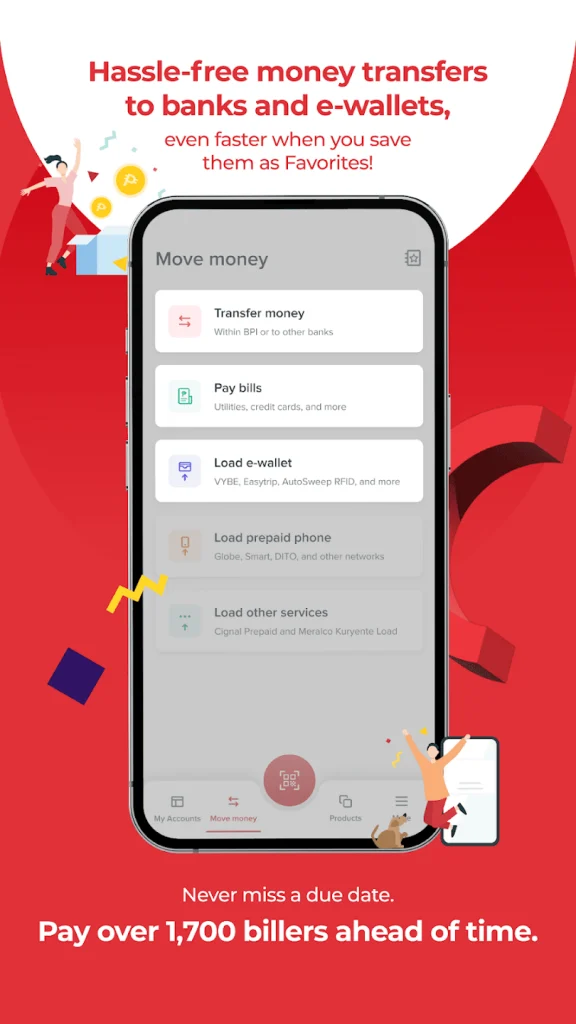
With BPI Online or the Mobile App, you can pay bills directly — from utilities to tuition fees — without waiting in line.
Just add your biller once and pay instantly anytime.
E-Statements
Go paperless with BPI e-statements.
Receive your account or credit card statements through email — secure, eco-friendly, and easy to track anytime you need them.