
In today’s fast-paced world, managing your money online is more convenient than ever. For BDO (Banco de Oro) account holders, learning how to do a BDO check balance can help you stay on top of your finances anytime, anywhere — no need to visit a branch or ATM.
What Is BDO Online?
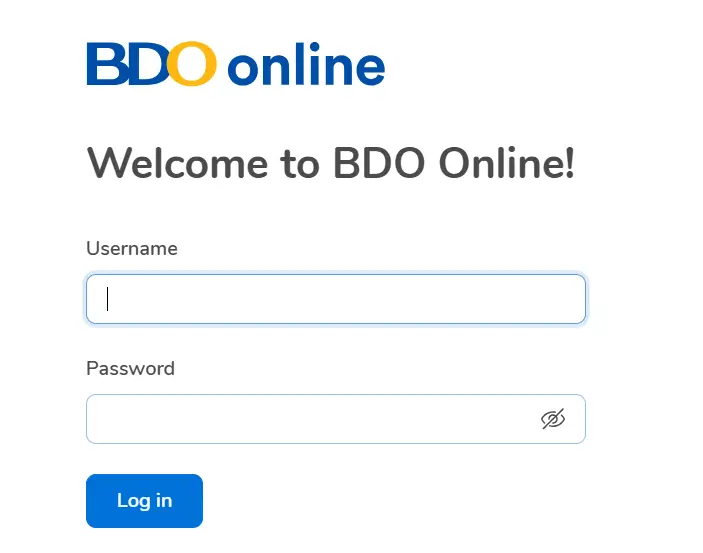
BDO Online is the official digital banking platform of Banco de Oro, designed to make banking simple, fast, and secure. Through the BDO Online website or mobile app, you can:
- Check your account balance and recent transactions
- Transfer money to other accounts
- Pay bills instantly
- Buy prepaid load
- Lock or unlock your debit or credit cards
- Manage and organize your linked accounts
With BDO Online, your finances are literally at your fingertips.
Why Use BDO Online to Check Balance?
Here are a few reasons why it’s the best way to do a BDO check balance:
1- BDO Online Banking
BDO Online Banking is a digital banking service provided by Banco de Oro (BDO Unibank, Inc.), one of the largest banks in the Philippines. It allows BDO customers to manage their bank accountsand perform financial transactions via the Website or mobile app, without needing to visit a branch.

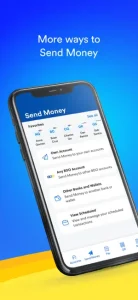
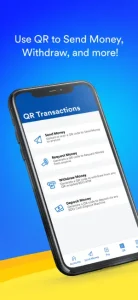

BDO Website
- Go to the official BDO website: https://www.bdo.com.ph
- Click Online Banking Login → BDO Online Banking.
- Enter your username and password, then log in.
- Your account balances will appear on the dashboard under “Account Summary.”
2- BDO Mobile App Banking
- Download the BDO Digital Banking app (iOS App Store / Google Play).
- Log in using your registered credentials.
- Tap “Accounts” to see your available and current balances.
key Features of online banking in BDO
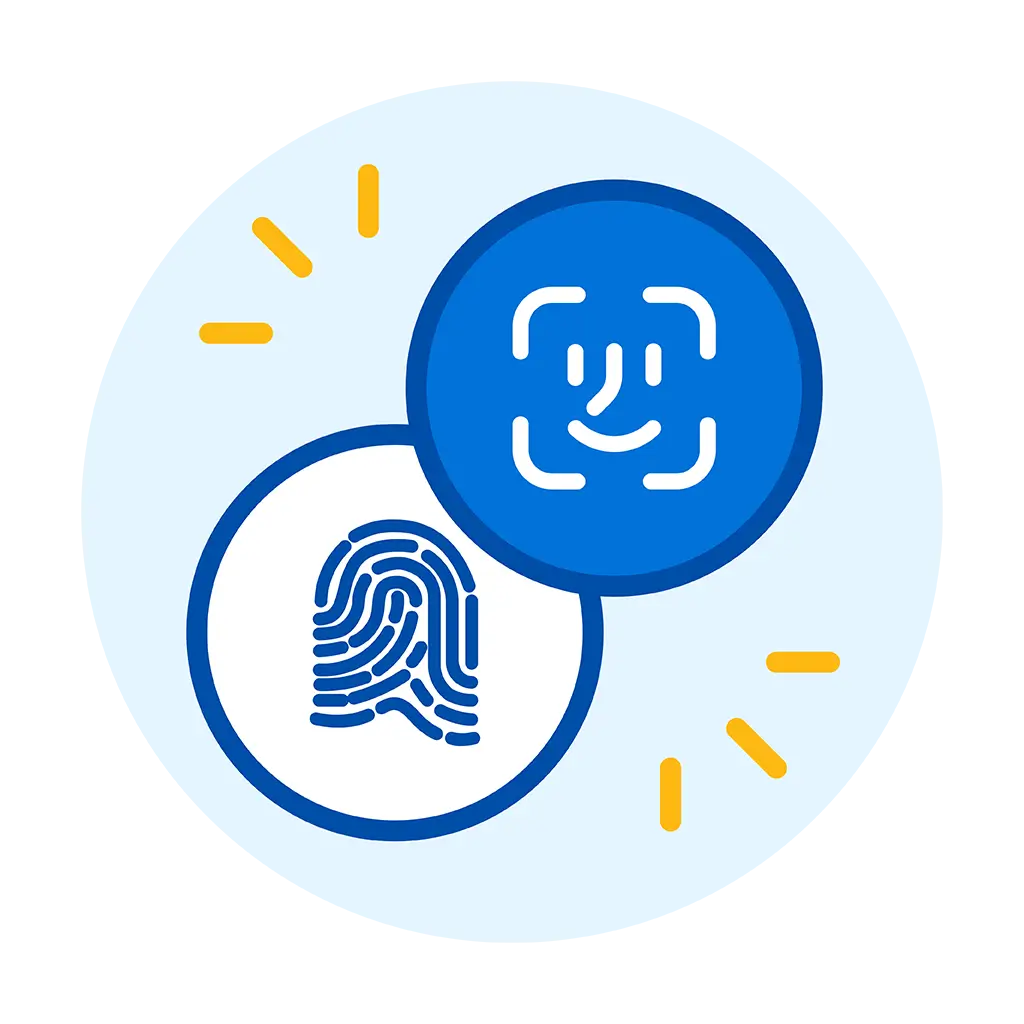
Log In Quickly And Securely
Access your account instantly with advanced security features protecting your information.
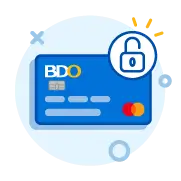
Secure Your Cards
Manage, lock, or unlock your cards anytime to keep your funds safe.

Send Money Seamlessly
Transfer money to anyone, anywhere, in just a few taps.

Pay Bills Without Frills
Settle all your bills easily and on time, without extra steps

Load Up Straight From Your Phone
Top up your mobile wallet or prepaid balance directly from your device.
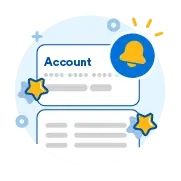
Get Real-time Account Updates
Stay informed with instant alerts and transaction notifications.

Add or Remove Accounts
Effortlessly link or unlink accounts for flexible money management.
3- BDO SMS Banking
For users enrolled in Mobile Banking via SMS.
- Compose a message:
BAL <account number>
- Send to 225678 (for Smart, Globe, or Sun subscribers).
- You’ll receive a reply with your balance information.
📌 Tip: Standard SMS rates apply.
4- ATM Machine
- Insert your BDO ATM card into any BDO or BancNet ATM.
- Enter your PIN.
- Choose Balance Inquiry from the menu.
- Your balance will appear on the screen (and can be printed if you choose).
5- BDO Customer Service
You can also call the BDO Contact Center for assistance:
📞 (+632) 8631-8000 (available 24/7)