
Searching for Al Khaliji Bank check balance instructions now leads to a different bank. After the Al Khaliji Merger, every Al Khaliji Customer record moved to Masraf Al Rayan, so the safest way to see an Account Balance is through official channels: Online Banking, Mobile Banking, ATMs, branches, and phone support. This guide serves Qatar residents, expatriates, and account holders abroad. Many people still follow Al Khaliji Bank balance check Qatar advice written before the integration, so the merger comes first, followed by each method, its troubleshooting, and safety rules.

Al Khaliji Bank Still Operating in Qatar
What Was Al Khaliji Bank in Qatar?
Al Khaliji Bank was a Doha-based lender officially named Al Khalij Commercial Bank, serving premium, business, corporate, and international customers in Qatar, the UAE, and France. Older directories also list Al Khaliji Commercial Bank and Al Khaliji Bank QSC. The brand was familiar across Al Khaliji Qatar operations and the wider Qatar banking sector, which the Qatar Central Bank supervises. Even now, queries such as Al Khaliji Services and Al Khaliji Banking appear in Qatar Banking discussions, showing how long the name lingers.
Al Khaliji Bank and Masraf Al Rayan Merger Explained
The legal merger took effect at the end of November 2021, leaving one legal entity under the Masraf Al Rayan name, headquartered in Lusail City. Al Khaliji shareholders received 0.5 Masraf Al Rayan shares for each share held, and the enlarged group reported more than QR182bn in total assets, while Al Khaliji was delisted from the Qatar Stock Exchange. Integration followed: operations were consolidated onto a single platform, and customers received new account numbers and Masraf Al Rayan branded debit and credit cards. This Core Banking System change sits at the center of Al Khaliji Bank merger history and Masraf Al Rayan banking integration. Formal documents name the surviving company Masraf Al Rayan QPSC. Because of legacy bank account migration, the Al Khaliji Banking Platform and Al Khaliji Digital Channels are no longer the right starting points.
Can Former Al Khaliji Bank Customers Still Check Their Account Balances?
Yes. Because all assets and liabilities were transferred to Masraf Al Rayan, former Al Khaliji customer accounts continue under the merged bank, which supports banking service continuity. What changed is the route: Al Khaliji Bank banking service migration moved everyday access to the new brand. Customers who want to view former Al Khaliji account funds, access legacy Al Khaliji banking balance, check former Al Khaliji account online, or verify transferred Al Khaliji account balance should begin with Al Khaliji Bank account status verification, confirming that the account number and card were reissued. Searches for Al Khaliji Bank balance check after merger, Al Khaliji Bank account access after merger, and Al Khaliji Bank account balance Masraf Al Rayan all lead to one answer. Masraf Al Rayan former Al Khaliji accounts are served through Masraf Al Rayan, which now determines Al Khaliji Bank Qatar account services and banking account accessibility.
Which Official Banking Channels Should Customers Use Today?
Four channel types matter: the official Masraf Al Rayan website, the official app, ATMs and branches, and the contact centre. Together they form Al Rayan Digital Banking and Al Rayan Account Services, with Al Rayan Customer Service handling questions. The broader term Digital Banking covers web and app access, while Al Khaliji Bank customer banking support and Al Khaliji Bank digital banking services now route to Masraf Al Rayan. The Qatar Financial Centre, a separate business hub, plays no role in retail balance checks.
How to Check Al Khaliji Bank Balance Online
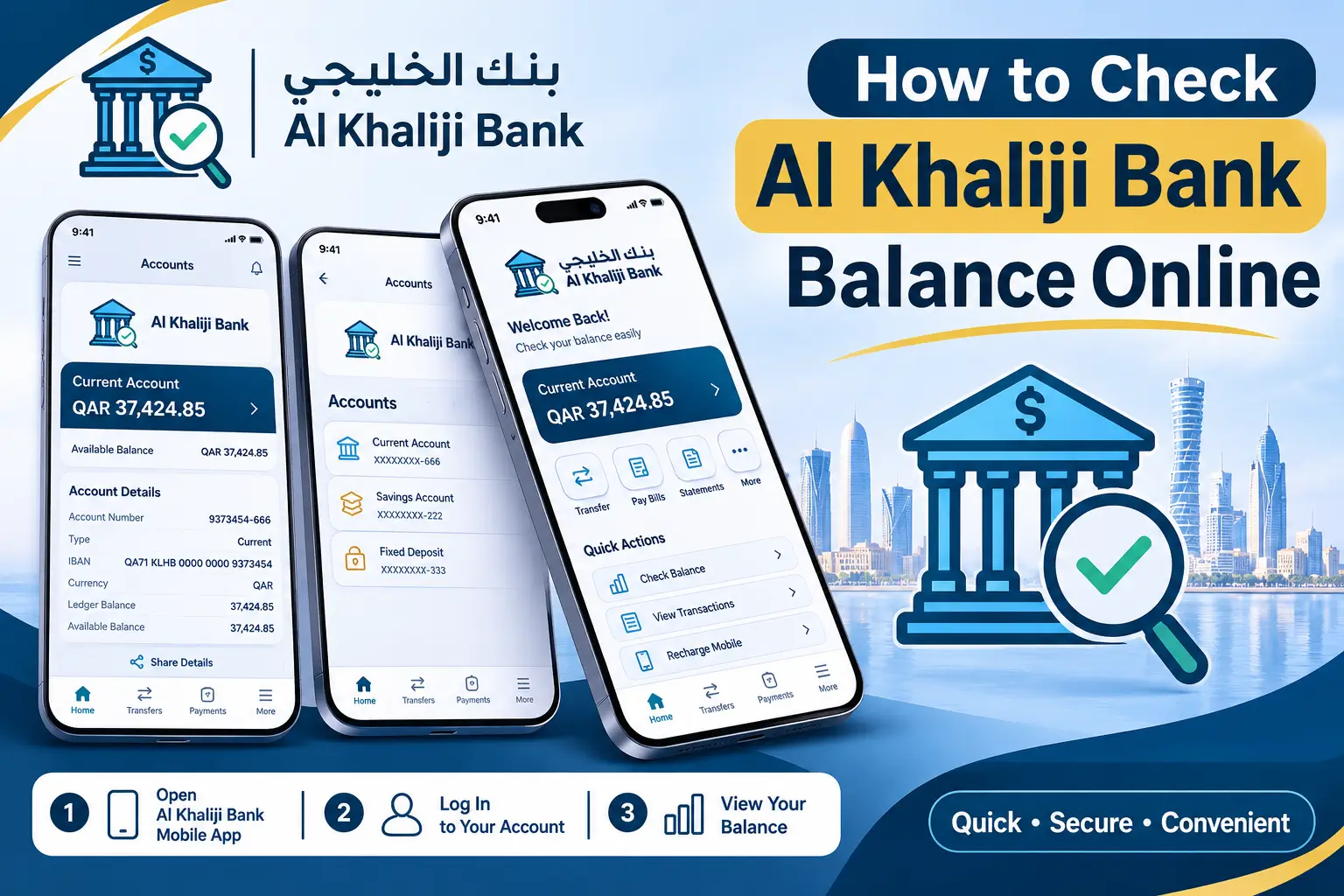
Step 1: Visit the Official Masraf Al Rayan Website
- Always use the official Masraf Al Rayan website.
- Avoid look-alike or fake banking pages.
- Search results may show outdated Al Khaliji Bank links.
- Do not trust the old Al Khaliji Internet Banking address.
- Use the bank’s official homepage for balance checks.
Step 2: Access the Appropriate Online Banking Portal
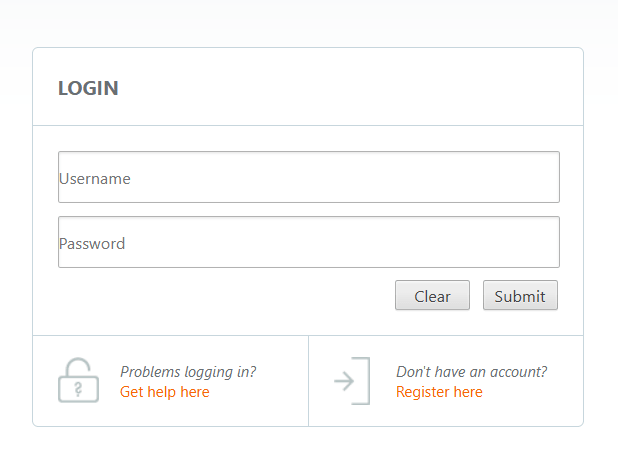
- Visit the bank’s official homepage.
- Open the Digital Banking menu.
- Select the Personal Banking Portal.
- The Online Banking area replaces the old Al Khaliji Online service.
- It works alongside Al Rayan Internet Banking.
- New customers must complete electronic banking registration.
- Registration is required for first-time users.
Step 3: Log In Using Your Registered Banking Credentials
- Login requires valid banking credentials.
- Enter your registered username and password.
- Complete the second-factor authentication.
- Verify your identity using the one-time password (OTP).
- Follow the bank’s multi-factor authentication process.
- Use the correct official banking website.
- Avoid third-party login forms.
- Never share your banking credentials.
Step 4: Navigate to Accounts and View Your Available Balance
After login, the Account Summary screen lists each account. The Available Balance shows spendable funds, while the Current Balance may include items still clearing. This is bank account balance through internet banking in practice. Pages offering Al Khaliji Bank online banking balance details, Al Khaliji Bank internet banking balance check, Al Khaliji Bank account balance details, Al Khaliji Bank balance information online, and a secure online balance inquiry follow the same path. Beside each account, Al Khaliji Bank account transaction history, Al Khaliji Bank account statement online, Al Khaliji Bank account statement access, Al Khaliji Bank bank statement download, electronic account statements, an Electronic Banking Statement, and the older Al Khaliji Statement wording point to the same records.
How to Check Al Khaliji Bank Balance Using Mobile Banking
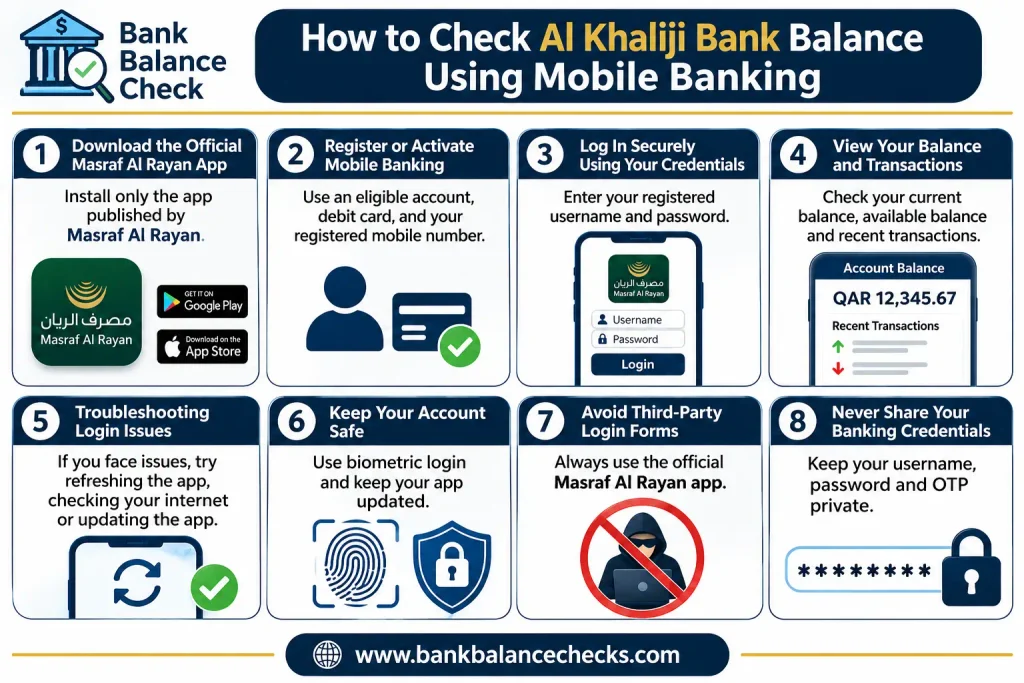
How to Check Al Khaliji Bank Balance Through an ATM in Qatar
Visit an Al Rayan ATM or a compatible ATM that accepts your debit card. Insert your registered debit card, enter your PIN securely, and select Balance Inquiry to check your available account balance in Qatari Riyal (QAR). You can view your balance on-screen or print a transaction receipt. ATM fees, card compatibility, and withdrawal limits may vary depending on your bank and ATM network. Always verify your card status and applicable charges before proceeding.
How to Check Al Khaliji Bank Balance by Phone Banking
- Find the Official Masraf Al Rayan Customer Service Number
Numbers should come only from the official Masraf Al Rayan website or the back of a current card. The former Al Khaliji Helpline should not be assumed active, and unverified numbers are deliberately left out. Searches for Al Khaliji Bank balance check by phone and Al Khaliji Bank balance check customer care can return stale listings. - Call From Qatar or From Another Country
Callers in Qatar dial the local number. Callers abroad use the international format published by the bank, and call charges vary by carrier. - Complete the Required Identity Verification
Agents apply banking security protocols before releasing account information services. Account details, such as the new International Bank Account Number, may differ from an old Al Khaliji IBAN reference. - Request Your Account Balance or Banking Assistance
After verification, an agent can confirm the balance and explain recent entries. The availability of automated menus should be confirmed with the bank.
Can You Check Al Khaliji Bank Balance Through SMS Banking?
- SMS Balance Check Availability: Confirm whether on-demand balance inquiries are supported through the bank’s official website or customer support.
- Mobile Number Registration: Register and update your mobile number through the official banking app or a branch.
- SMS vs Balance Inquiry: SMS alerts notify you about account activity, while balance inquiries let you check your current account balance.
- Notification Settings: Manage your banking alerts to stay informed about account transactions.
How to Check Your Former Al Khaliji Bank Balance at a Branch
To verify your account in Qatar, visit an appropriate Masraf Al Rayan branch using the bank’s official branch locator, as former Al Khaliji locations may now operate under the new branding. Bring the required documents, such as a valid Qatar ID or passport, along with your card or account details. Bank staff can verify your identity and provide your account balance and personal banking information. You can also visit the branch for assistance with old Al Khaliji accounts, reissued cards, and online banking login resets.
Al Khaliji Bank Balance Check for Customers Outside Qatar
Access Your Account Through Official Online Banking While Abroad
Official online banking can be reached from overseas where the bank permits. Masraf Al Rayan account balance services require the same credentials, and a One-Time Password goes to the registered number.
Use Mobile Banking With International Internet Access
Secure mobile data or trusted Wi-Fi supports the app. Roaming charges may apply.
Contact Customer Support From Overseas
Support can handle an Al Khaliji Bank account balance inquiry after verification, using the international contact details on the official site.
International ATM Balance Inquiries and Possible Charges
Foreign machines may charge for an Al Khaliji Bank account balance check. The SWIFT Banking Network concerns international transfers, not balance viewing.
How to Handle OTP and Registered Mobile Number Problems Abroad
Missing codes usually stem from roaming settings, an inactive SIM, or an outdated number. Updating the number through official support is the fix.
Al Khaliji Bank Balance Check Methods Compared
Comparison of Convenience, Requirements, Availability, and Potential Fees
| Method | Convenience | Requirements | Availability | Potential fees |
|---|---|---|---|---|
| Online | High | Credentials, OTP phone | Generally round-the-clock | Verify tariff |
| Mobile app | Highest | App, activation | Generally round-the-clock | Data or roaming |
| ATM | Fast | Card, PIN | Machine location | Verify tariff |
| Phone | Moderate | Identity checks | Published hours | Call charges |
| Branch | Slowest | ID, account details | Branch hours | Verify tariff |
Common Problems, Account Safety & Helpful Tips
| Category | Topic | Common Issue | Possible Cause | Recommended Solution | Important Note |
|---|---|---|---|---|---|
| Common Problems | Old Website or App | Banking website or app not working | Old banking channels may be discontinued | Use the official Masraf Al Rayan website or app | Avoid outdated links |
| Common Problems | Login Details | Incorrect username or password | Wrong credentials or forgotten details | Use the official password reset option | Avoid repeated login attempts |
| Common Problems | OTP Issues | OTP not received | Network issues or outdated mobile number | Check your SIM and contact bank support | Keep your number updated |
| Common Problems | ATM Errors | ATM cannot read your card | Damaged chip or outdated card | Request a replacement card | Use authorized ATMs |
| Common Problems | Balance Updates | Account balance not updating | Pending transactions or temporary holds | Contact official bank support if the issue continues | Check transaction history |
| Common Problems | Restricted Account | Account dormant or temporarily blocked | Inactivity or compliance checks | Contact the bank to restore access | Only the bank can remove restrictions |
| Common Problems | Bank Support | Unexplained balance differences | Unauthorized transactions or processing delays | Contact official bank support | Report suspicious activity immediately |
| Account Safety | Official Website | Fake banking websites | Look-alike pages and misleading search results | Use the official bank website or app | Avoid suspicious links |
| Account Safety | Password Protection | Password, PIN, or OTP theft | Sharing confidential login details | Never share your banking credentials | Bank staff should not ask for your OTP |
| Account Safety | Phishing Links | Fake balance-check websites | Fraudulent messages and links | Ignore suspicious links | Report suspected fraud |
| Account Safety | Public Wi-Fi | Unsafe banking access | Unsecured networks or shared devices | Avoid public Wi-Fi for banking | Always log out after use |
| Account Safety | Banking Alerts | Unnoticed account activity | Notifications not enabled | Activate transaction notifications | Review account activity regularly |
| Account Safety | Suspicious Transactions | Unauthorized account activity | Possible fraud or unauthorized access | Report immediately through official channels | Change your password if necessary |
| Helpful Tips | Balance Understanding | Available and ledger balance differences | Pending transactions and holds | Understand both balance types | Check available funds before payments |
| Helpful Tips | Pending Transactions | Temporary card payment holds | Hotel, fuel station, or other card transactions | Review pending transactions | Holds may be released later |
| Helpful Tips | Account Statements | Unverified transactions | Missing regular account reviews | Review your account statement regularly | Keep transaction records |
| Helpful Tips | Contact Details | Outdated registered mobile number | Changed phone number or personal details | Update your information with the bank | Helps receive OTPs and alerts |
| Helpful Tips | Transaction Alerts | Delayed awareness of payments | Notifications not activated | Enable transaction alerts | Monitor account activity |
| Helpful Tips | Payment Monitoring | Failed transfers or payments | Insufficient available balance | Check your balance before making payments | Review funds before electronic transfers |