
In today’s fast-paced digital world, managing your finances efficiently is more important than ever. Whether you’re a student receiving your first allowance, a professional handling payroll deposits, or a farmer managing an agricultural loan, checking your Land Bank account balance ensures you stay financially aware and in control.
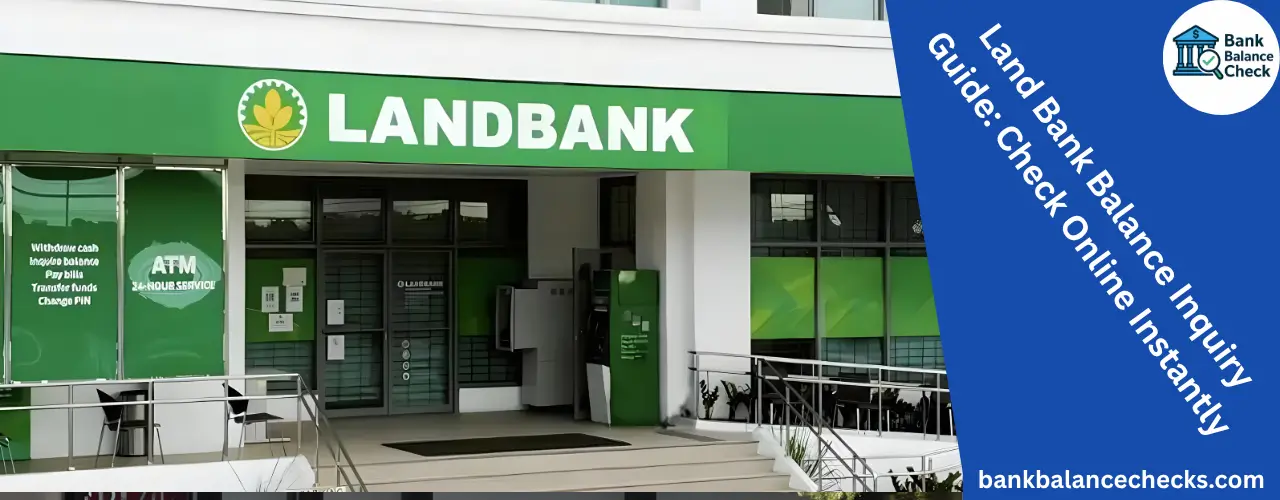
The Land Bank of the Philippines (LANDBANK), as one of the country’s leading government-owned financial institutions, offers multiple convenient methods for account holders to perform a balance check—from online banking and mobile apps to ATMs and over-the-counter services.
It plays a dual role:
- As a commercial bank, offering savings, loans, and deposit services.
- As a development bank, supporting farmers, fishers, small entrepreneurs, and local governments.
Its account management system is integrated with modern online banking portals and mobile banking services, making it easier for customers to perform actions like:
- Checking savings account balance
- Monitoring loan ledger
- Reviewing account statements
- Managing fund transfers
- Verifying transaction inquiries
Ways to Check Your Land Bank Account Balance
Land Bank offers various channels for checking your account balance, catering to both tech-savvy and traditional customers.
1. Through LANDBANK iAccess (Online Banking Portal)
The LANDBANK iAccess is an online banking platform that allows users to view their account balance anytime and anywhere.
Here’s how to check your balance via iAccess:
- Visit the official website: https://www.landbank.com
- Click on iAccess under the “Digital Banking” section.
- Log in using your username and password.
- On the dashboard, select Account Summary or Account Inquiry.
- Your available balance, deposit amount, and account details will be displayed.
📌 Tip: Always log out properly after use and avoid public Wi-Fi to ensure the safety of your fiscal data.
Advantages
2. Using the LANDBANK Mobile Banking App (LBP Digital Banking)
For those who prefer banking on the go, the LANDBANK Mobile Banking App is a must-have. It provides real-time access to your financial record right from your smartphone.
Steps to check your balance via mobile app:
- Download and install the LANDBANK Mobile Banking App from Google Play Store or Apple App Store.
- Log in using your iAccess credentials or register if you’re a new user.
- Tap My Accounts.
- Your account balance, recent transactions, and available funds will appear.
3. At the ATM
If you prefer an offline method, you can perform a Land Bank balance check through any LANDBANK ATM or partner bank ATMs nationwide.

To check your balance at an ATM:
- Insert your Land Bank ATM card.
- Enter your PIN (Personal Identification Number).
- Select Balance Inquiry from the menu.
- View your available balance on the screen or print a receipt.
💳 Note: Using non-LANDBANK ATMs may incur small fees depending on the banking network or financial institution.
4. Over-the-Counter Balance Inquiry
For clients who are not comfortable with digital banking, you can always visit a Land Bank branch for a manual balance check.
Bring the following:
- Valid ID
- Account number or passbook
Ask the teller for an account statement or a balance inquiry slip. This is particularly useful for:
- Passbook savings accounts
- Agricultural loan accounts
- Property development loans
📌 Tip: This method ensures that even those without internet access can monitor their financial balance and fund availability.
5. Via Land Bank SMS or Customer Hotline
Some regions offer SMS balance inquiry services where customers can text specific codes to check their account balance.
Alternatively, you can contact the Land Bank Customer Care Hotline:
- (02) 8-405-7000 (Metro Manila)
- 1-800-10-405-7000 (Toll-Free Nationwide)
Customer service representatives can guide you in verifying your account information securely.
Mastering Your Money: The Difference Between Available and Ledger Balances
When you perform a Land Bank check balance, you may see two types of balances:
- Available Balance:
The actual amount you can withdraw or use immediately. It accounts for cleared deposits and completed transactions. - Ledger Balance:
The total amount in your account before pending transactions (like unprocessed checks or deposits) are cleared.
📌 Tip: Always use your available balance as the reference when budgeting or making withdrawals.
How to Check Loan Balances with Land Bank
Aside from regular savings or current accounts, Land Bank also offers various loan products such as:
- Agricultural loans
- Property and housing loans
- Development loans
- Business loans
To check your loan balance:
- Log in to your iAccess or mobile app
- Go to Loan Accounts
- View your loan ledger, outstanding balance, and payment history
This helps borrowers keep track of their repayment schedules, interest charges, and loan maturity dates, promoting financial responsibility and transparency.
Troubleshooting Common Issues
Even with advanced technology, users may sometimes face issues while checking their balance. Here’s how to resolve common problems:
| Issue | Possible Cause | Solution |
|---|---|---|
| Unable to log in | Incorrect password or system maintenance | Reset your password or try later |
| Account not visible | Unlinked account | Contact customer support to link your account |
| Balance not updating | Pending transactions | Wait for clearing period |
| Mobile app error | Outdated app version | Update the app to the latest version |
Security Tips for Checking Your Balance Online
Benefits of Regularly Checking Your Land Bank Balance
Performing regular balance inquiries has multiple benefits:
- Prevents overdrafts and unexpected charges.
- Monitors spending habits and helps maintain a healthy financial balance.
- Tracks deposits, withdrawals, and fund transfers.
- Ensures transparency in your banking operations.
- Supports budgeting and financial planning.